NAS backup
NAS backup for Synology and QNAP
A NAS is great at local storage, and exposed to ransomware, deletion and hardware failure. Mindtime adds immutable, off-site, fully managed copies in Dutch and German data centres.
In short
What is NAS backup?
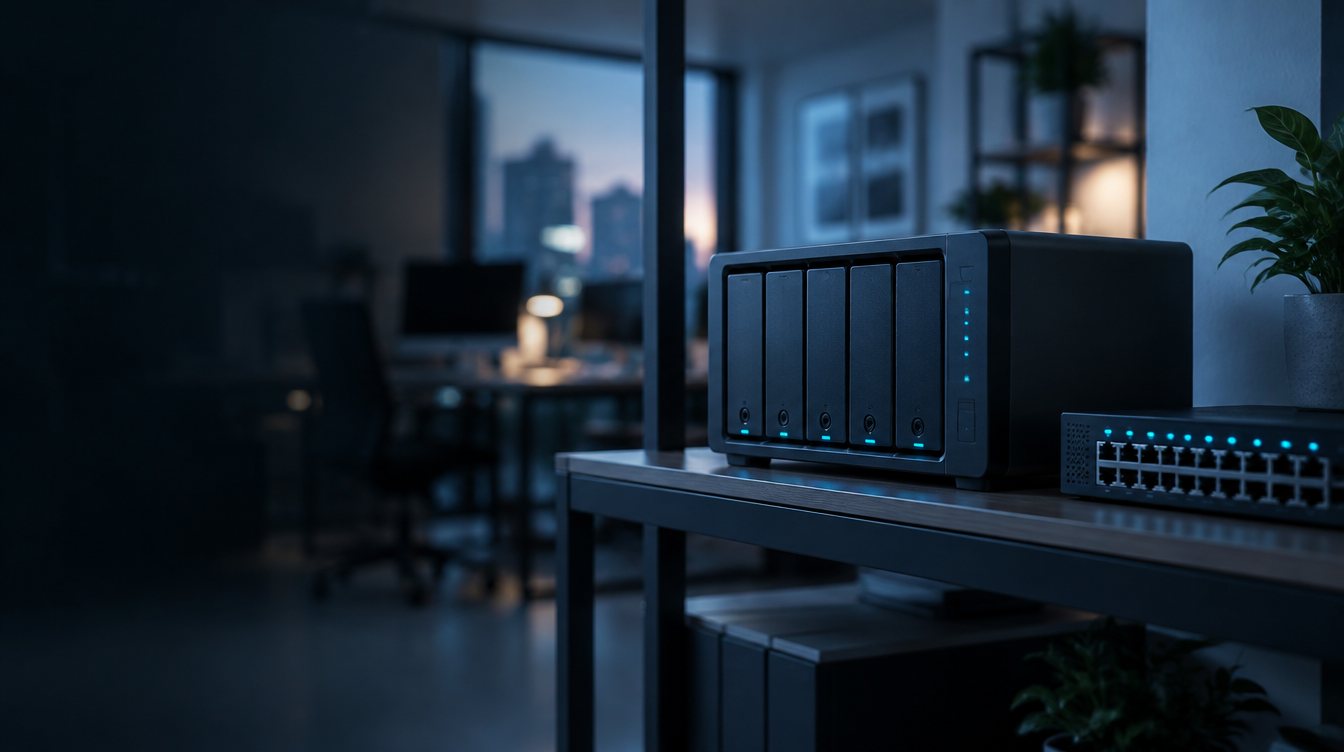
NAS backup with Mindtime replicates your Synology or QNAP data to immutable, off-site storage in the Netherlands and Germany. Your NAS keeps doing local storage; Mindtime adds the copy that survives ransomware, deletion and hardware failure, and monitors it for you.
- What we back up
- Synology and QNAP NAS: shares, files and VMs
- How
- Immutable snapshots with automated off-site replication, AES-256 encrypted
- Where it is stored
- ISO 27001 certified data centres in the Netherlands and Germany
- How you restore
- Single files or VMs in minutes, through the self-service portal
The risk
Why your NAS needs extra protection
A NAS on its own is one box in one place. That makes it a single point of failure.
Ransomware
Shares get encrypted
Ransomware can encrypt or delete the data on a NAS.
Hardware
Devices fail
A hardware failure can take the data on your NAS with it.
Audits
EU compliance
Auditors ask where copies are kept and how they are protected. An off-site, EU copy answers that.
What's covered
Optimised for both platforms
Mindtime builds on each vendor's own snapshot and replication technology.
DSM 7.2
Synology
- Immutable snapshots and Object Lock
- Automated off-site replication
- Granular file and VM restores via Active Backup
SnapSync · Airgap+
QNAP
- Real-time SnapSync replication
- Airgap+ isolated copies
- Quarterly automated recovery testing of VMs and shares
What's included
How Mindtime protects it
Standard with every Mindtime backup, on top of the 3-2-1-1-0 rule and immutable storage in the Netherlands and Germany.
Immutable snapshots
Snapshots and Object Lock stop malware from encrypting or deleting your backups.
Air-gapped tier
An offline recovery layer completes the 3-2-1 rule.
Monitored by our NOC
Mindtime's network operations centre watches every job continuously.
Encrypted transfer
AES-256 encrypted streams to geographically separated data centres in the Netherlands and Germany.
Daily integrity checks
Checksum scans verify every block; anomalies start our ransomware response.
One-click recovery
Restore through the self-service portal, or call our service desk for a guided restore.
How it works
Up and running in three steps
No rip-and-replace and no long project. Our team helps you at every step.
- 01
Assessment
Mindtime reviews your NAS layout and retention needs.
- 02
Agent and replication
A lightweight agent turns on snapshots and encryption locally, and replicates to our Dutch and German data centres.
- 03
Validate and recover
Daily checks confirm integrity. Restore files or VMs whenever you need them.
FAQ
Common questions
Isn't a NAS already a backup?
It is local storage. If ransomware, a hardware failure or a mistake hits the NAS, local snapshots can go with it. An off-site, immutable copy is what makes it a backup.
Which NAS systems do you support?
Synology (DSM 7.2) and QNAP, using their own snapshot and replication technology.
Will the agent slow down my NAS?
No. The agent is lightweight and only activates snapshots and encryption locally.
Where is my NAS data stored?
Only in Mindtime data centres in the Netherlands and Germany, under EU law.
Keep reading
Guides and related workloads
Related guides
All backup guides BackupCloud storage vs cloud backup: what's the difference?OneDrive, Google Drive and Azure Blob storage keep your files available. A cloud backup keeps them recoverable. You need to know which one you're relying on.7 min read
 BackupDoes continuous backup protect you against ransomware?Backing up more often shrinks the gap between your last copy and the attack. It doesn't help if the copies themselves can be encrypted or deleted.8 min read
 BackupHow do you know if your backup actually works?The only proof is a restore. Here's how to test at three levels, which numbers to track, and what evidence auditors expect.9 min read