
Backup for Veeam
Veeam does not automatically create a backup of your virtual machine and server backups. Here is what is genuinely at stake — and how to protect it in under an hour.
((ISO 27001 + NIS2 — SLA-dependent retention))
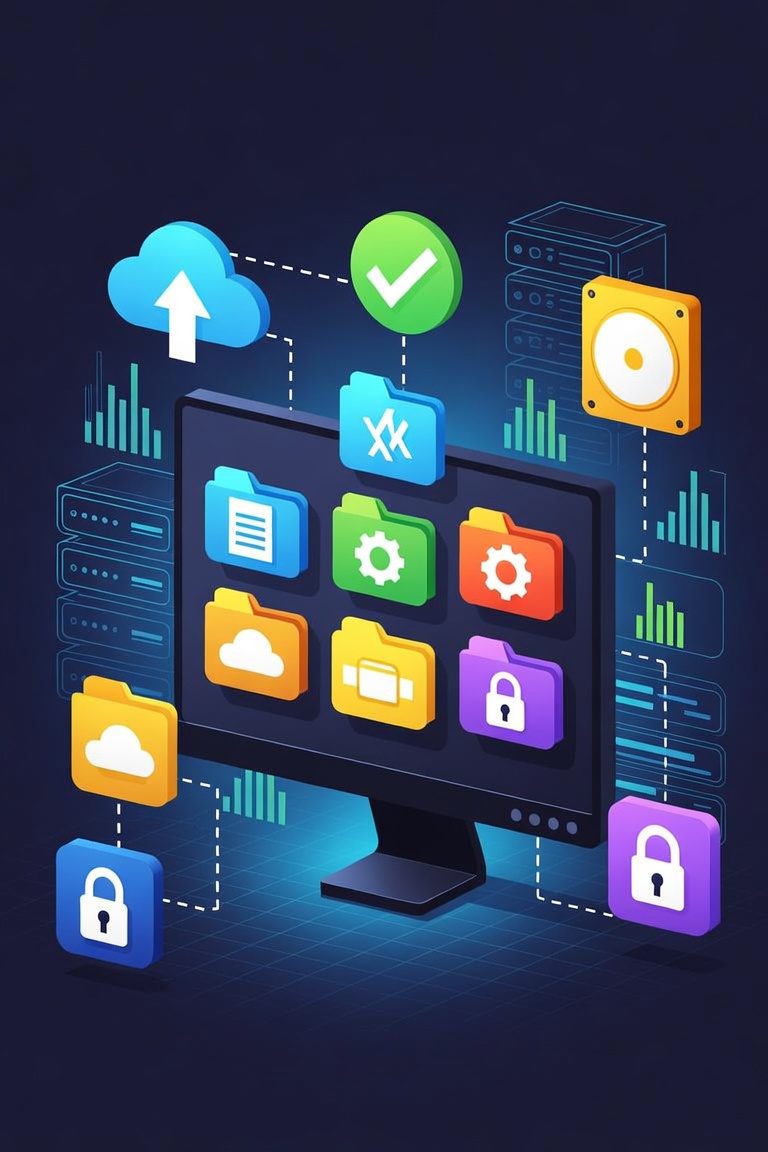
What is actually stored in Veeam?
Veeam is the daily operational backbone for many IT managers, managed service providers and system administrators. What most users don't realise: all that data is not automatically protected against loss.
Typical data that lives in Veeam and can be lost:
- VM snapshots — full and incremental snapshots of virtual machines
- server images — bare-metal server images for physical servers
- application data — application-consistent backups for databases and mail servers
- file system backups — file-level and folder-level backup sets
All of this data falls under ISO 27001 + NIS2 — SLA-dependent retention, which means you must be able to reproduce it for SLA-dependent.
Does Veeam automatically create a backup?
Veeam is cloud-based, so your data is safe — right? This is the most common misconception among IT managers, managed service providers and system administrators.
Veeam Software guarantees that the platform runs, not that your data can be recovered after ransomware or errors.
Ransomware
Encrypts everything — including data synchronised via Veeam. Without an offline backup you have no clean recovery point.
Human error
A deleted record, an overwritten import or a mistaken bulk action — Veeam offers limited or no undo functionality after more than configurable per job.
Veeam jobs fail silently
Veeam backup jobs can fail without generating a visible alert — IT teams discover the failure only when they attempt a recovery. By then the data may be gone.
How Mindtime protects Veeam data
Mindtime connects directly to Veeam via the Veeam Backup & Replication agent and API and creates continuous incremental backups.
| Scenario | Veeam alone | With Mindtime backup |
|---|---|---|
| Ransomware encrypts your data | x | ✓ |
| Employee deletes records | x | ✓ |
| Integration overwrites data | x | ✓ |
| Prove GDPR retention obligation | x | ✓ |
| Data on Dutch servers | on-premises or private cloud (customer-controlled) | 100% Netherlands |
What if something goes wrong?
Imagine: it's Monday morning. Veeam is no longer showing data — ransomware targeted the Veeam repository directly, encrypting backup files before attacking the production environment — leaving no clean recovery point. What now?
Alert received
Mindtime automatically detects that something is wrong and sends an alert.
Choose a recovery point
Choose the moment before the attack. Every increment is saved.
Local recovery started
Recovery starts directly from the local copy. No waiting for a cloud download.
Operational
Your Veeam environment is running again. All virtual machine and server backups is intact.
Veeam and your retention obligation
Data you manage in Veeam typically falls under ISO 27001 + NIS2 — SLA-dependent retention. That means you are legally required to retain those records for SLA-dependent.
Mindtime stores all Veeam data exclusively on Dutch servers, fully within GDPR jurisdiction.
Mindtime is ISO 27001 certified and NIS2-aligned where applicable.
Secure your Veeam data in five steps
Setup takes less than an hour. After that, the backup runs fully automatically.
Request a demo
We show you how Mindtime works for Veeam.
Install the Mindtime agent
The agent is installed on your server or workstation.
Configure the backup schedule
Set which data, how frequently and how long it is retained.
First backup + test recovery
We run a test recovery so you know it works.
Runs automatically
Mindtime runs fully automatically. We schedule a brief quarterly review.
Why IT managers, managed service providers and system administrators choose Mindtime
100% on Dutch soil
Your data never leaves the Netherlands. Two redundant data centres within GDPR jurisdiction.
ISO 27001 + NIS2-aligned
Independently certified. Annual external audit on processes and security.
Hybrid backup: fast recovery
Local copy for fast recovery and cloud copy for disaster scenarios.
No vendor lock-in
Your data is always yours, in standard formats. You can switch or export at any time.
What is actually stored in Veeam?
Veeam is the daily operational backbone for many IT managers, managed service providers and system administrators. What most users don't realise: all that data is not automatically protected against loss. Typical data that lives in Veeam: VM snapshots, server images, application data and file system backups. All of this falls under ISO 27001 + NIS2 — SLA-dependent retention, meaning you must be able to reproduce it for SLA-dependent — even after ransomware, a fire or human error.
Does Veeam automatically create a backup?
Veeam is cloud-based, so your data is safe — right? This is the most common misconception among IT managers, managed service providers and system administrators. Veeam offers high availability — meaning the software is almost always online. But availability is not the same as a backup. Veeam Software guarantees that the platform runs, not that your data can be recovered after a ransomware attack, a deleted account or an integration error.
Ransomware
Encrypts everything — including data in Veeam. Without an offline backup you have no clean recovery point.
Human error
A deleted record or bulk import error — Veeam offers limited undo after configurable per job.
Veeam jobs fail silently
Veeam backup jobs can fail without generating a visible alert — IT teams discover the failure only when they attempt a recovery. By then the data may be gone.
How Mindtime protects Veeam data
Mindtime connects directly to Veeam via the Veeam Backup & Replication agent and API and creates continuous incremental backups — in the background, with no action required on your part. Your data is stored on 100% Dutch servers, fully GDPR-compliant.
| Ransomware encrypts your data | ✗ No recovery | ✓ Restore from pre-attack snapshot |
| Employee deletes records | ✗ Limited undo window | ✓ Record-level recovery |
| Integration overwrites data | ✗ Cannot be undone | ✓ Restore from any point in time |
| GDPR retention obligation | ✗ No audit trail backup | ✓ Point-in-time restore + report |
| Data on Dutch servers | ✗ on-premises or private cloud (customer-controlled) | ✓ 100% Netherlands |
What if something goes wrong?
Imagine: it's Monday morning. An employee notices that Veeam is no longer showing data — ransomware targeted the Veeam repository directly, encrypting backup files before attacking the production environment — leaving no clean recovery point. What now? With Mindtime you are back up and running within 2–4 hours.
Alert received — within minutes
Mindtime automatically detects the problem and sends an alert.
Choose a recovery point — to the minute
Select the moment before the attack in the Mindtime dashboard.
Local recovery started — quickly available
Recovery begins immediately from the local copy — no waiting for a cloud download.
Operational — within 2–4 hours
Your Veeam environment is running again. All virtual machine and server backups intact. No ransom paid.
Retention obligation for Veeam
Data in Veeam typically falls under ISO 27001 + NIS2 — SLA-dependent retention. That means you are legally required to retain records for SLA-dependent and to be able to reproduce them during an audit or legal request. Mindtime configures the correct retention period automatically and stores all data on exclusively Dutch servers — fully within GDPR jurisdiction. Mindtime is ISO 27001 certified and NIS2-aligned certified — independently verified, not self-declared.
Secure your Veeam data in five steps
Setting up backup for Veeam takes less than an hour. After that, the backup runs fully automatically in the background — no manual actions, no maintenance burden.
Request a free demo
We show you how Mindtime works for Veeam — including the integration for your specific environment.
Install the Mindtime agent
The agent is installed on the server or workstation where Veeam is running. Average: 20 minutes.
Configure the backup schedule
Set which data, how frequently and how long — aligned to your SLA-dependent retention obligation.
First backup + test recovery
The first full backup starts immediately. We run a test recovery together so you know it works before you ever need it.
Runs automatically — quarterly review
Mindtime runs fully automatically. Monthly backup reports and a brief quarterly review to keep scope up to date.
Why IT managers, managed service providers and system administrators choose Mindtime
Here is why IT managers, managed service providers and system administrators choose Mindtime for backup of Veeam — and why we are different from generic cloud backup solutions.
- ISO 27001
- NEN 7510
- GDPR-compliant
- Dutch servers
- NIS2-aligned
🇳🇱 100% Dutch servers
Your data never leaves the Netherlands. Two redundant data centres — fully GDPR-compliant. No US law exposure.
ISO 27001 + NIS2-aligned
Independently certified. Annual external audit on processes, systems and security.
⚡ Hybrid backup: fast recovery
Local copy for fast recovery (hours, not days). Cloud copy for disaster scenarios.
No vendor lock-in
Your data is always yours, in standard formats. Switch or export at any time.
Frequently asked questions about backup for Veeam
Have a different question? Ask us directly.
Does Veeam automatically create a backup?
Veeam offers high availability, but that is not the same as a backup. Veeam is a powerful backup tool, but even Veeam jobs can fail silently. Mindtime adds verified monitoring and a secure offsite copy of your Veeam backups. Mindtime adds an independent, immutable copy.
How long does setup take?
Installation and configuration takes under an hour on average. After the first full backup, all incrementals run automatically.
What does backup for Veeam cost?
The price depends on data volume and retention window. We provide a tailored quote after a short intake.
What happens when I want to recover data?
Choose the recovery point in the Mindtime dashboard — to the minute. Recover a file, folder or the complete environment. Average: 2–4 hours.
Is Mindtime compliant with ISO 27001 + NIS2 — SLA-dependent retention?
Yes. ISO 27001 certified, exclusively Dutch data centres, retention configured for SLA-dependent under ISO 27001 + NIS2 — SLA-dependent retention.
Does Mindtime also work with Microsoft 365 and SharePoint?
Yes. Mindtime works across your complete IT environment — not just Veeam. See also: backup for Microsoft 365 and backup for SharePoint.
Protect your Veeam data today
ISO 27001 certified · 100% Dutch servers · Operational within one hour · No vendor lock-in
Free and no obligation. Average setup time: < 1 hour.