

The Laptop in the Coffee Shop Isn't in Your Backup
M365 and file-server backups protect what synced — not the week of unsynced work on a hybrid employee's laptop.
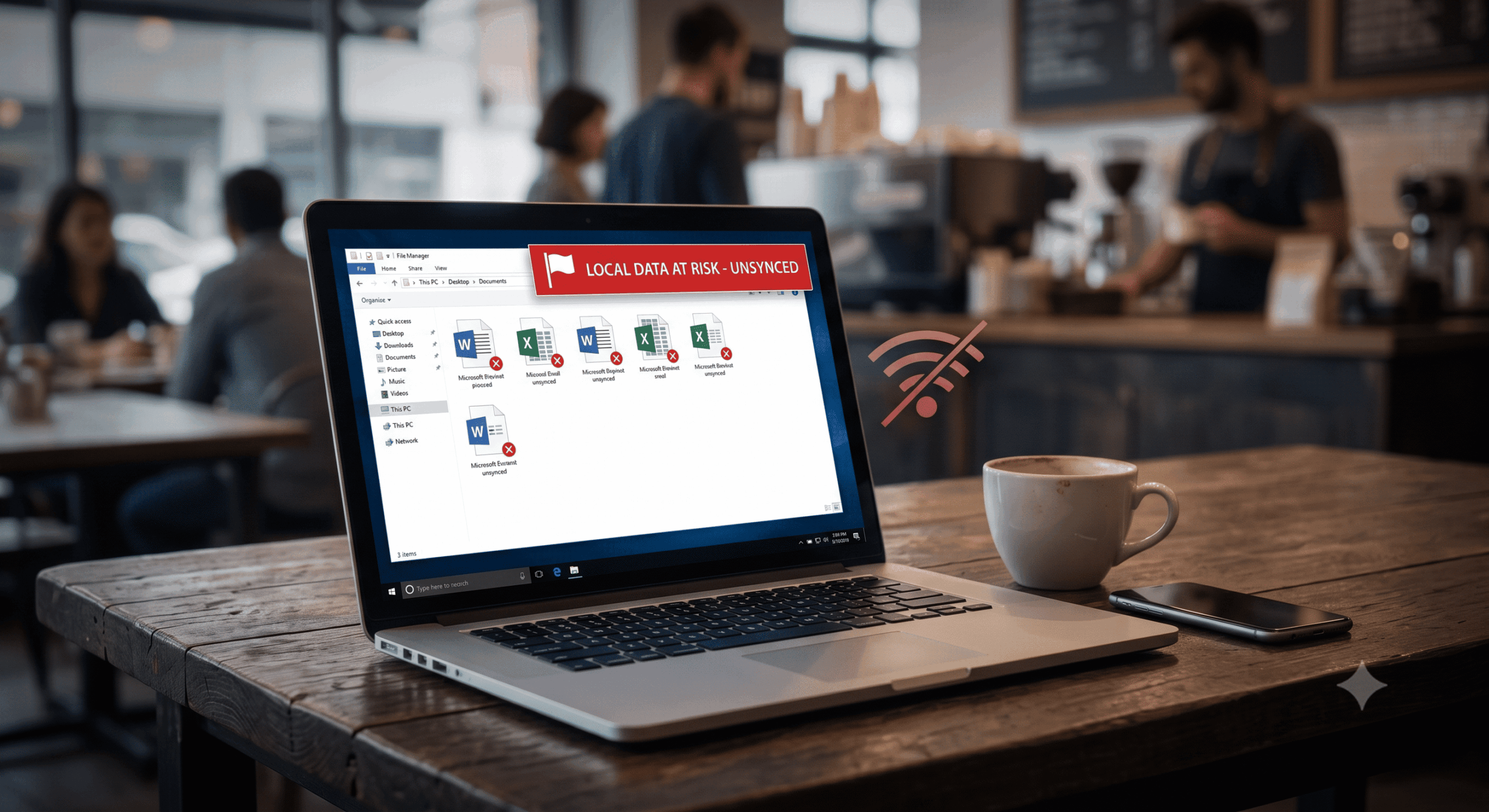
Your Microsoft 365 backup covers the mailboxes and SharePoint libraries. Your server backup covers the VMs. Neither covers the pitch deck a sales manager built during an overnight flight and saved to her desktop, the ERP extracts an accountant downloaded for offline analysis, or the client files a consultant has been editing locally for a week between hotel Wi-Fi sessions. If that laptop is stolen in a Berlin coffee shop tomorrow, the work is simply gone.
Hybrid work moved a substantial share of business data onto devices that live outside the firewall, outside central storage, and — in most organizations — outside the backup plan. The consequences range from lost productivity to GDPR breach notifications when a stolen device carried regulated data.
The misconception to correct: "everything syncs to the cloud, so SaaS backup covers our people." Sync is voluntary, partial, and often days behind reality. The gap between what's on the laptop and what reached OneDrive is exactly the data your current strategy cannot restore.
What Does Endpoint Backup Cover That SaaS Backup Doesn't?
Endpoint backup protects the data that lives on the device itself: user profile folders (Desktop, Documents, Downloads), locally stored application files, and work performed offline or saved locally before upload. SaaS backup, by contrast, only sees what successfully synchronized to the cloud.
The Gap in Practice
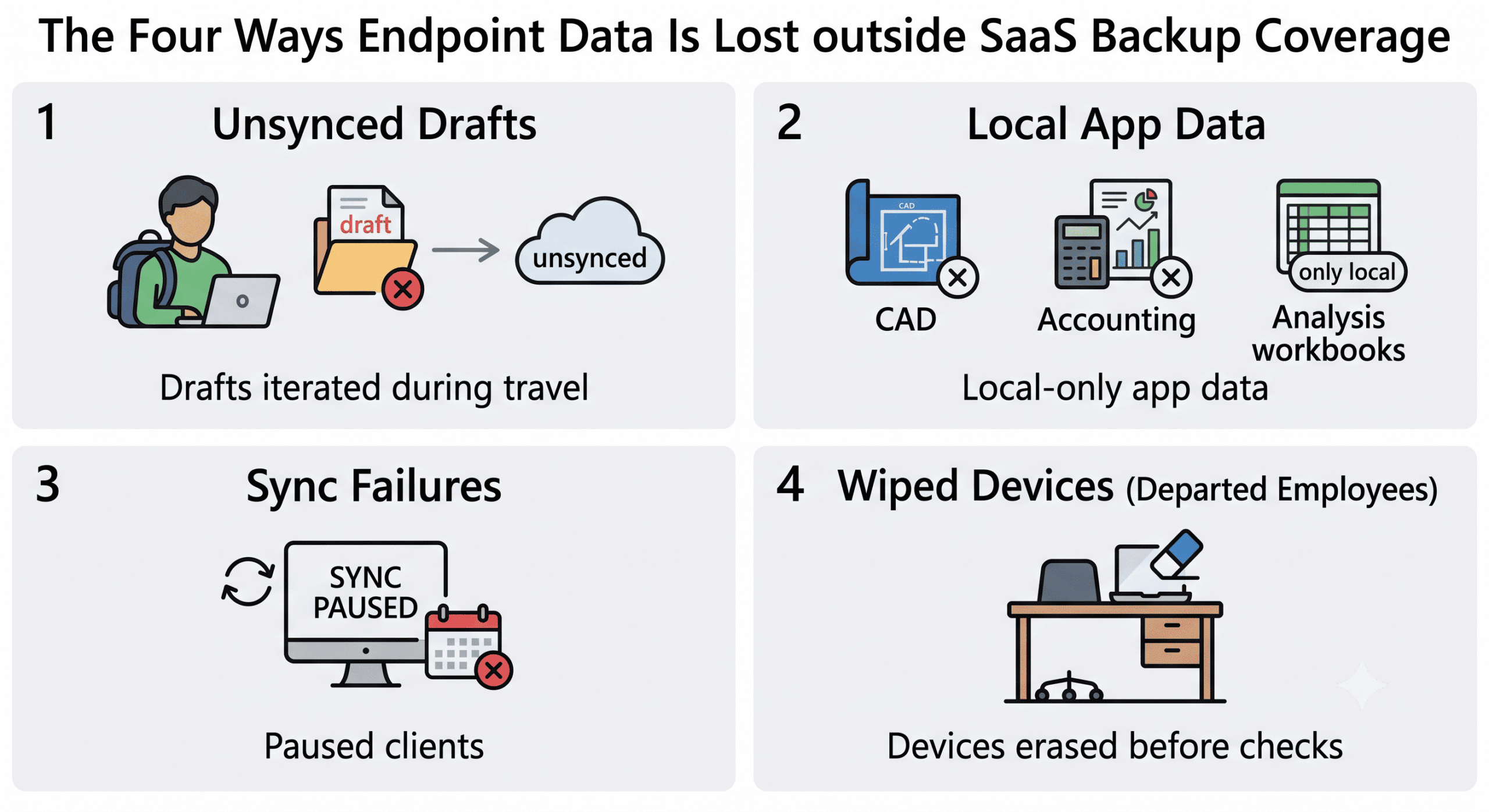
The typical loss scenarios are unsynced drafts (documents iterated locally during travel), local-only application data (accounting extracts, CAD files, analysis workbooks), sync failures nobody noticed (a paused OneDrive client can silently fall weeks behind), and departed-employee devices wiped before anyone checked what was on them. Each scenario shares a property: the data existed on exactly one disk, and that disk was the least protected asset in the company.
Is Endpoint Backup Still Necessary If We Use OneDrive Sync?
Yes. Sync clients are convenience tools, not protection: they only cover folders users placed in scope, they pause and fail silently, and — critically — they replicate damage as faithfully as they replicate work. Ransomware that encrypts a laptop's files will happily sync the encrypted versions to OneDrive, overwriting the good copies; version history helps partially, but recovery across thousands of files is slow and incomplete.
A dedicated endpoint backup differs on all three counts: it covers defined profile and application folders regardless of user choices, it monitors and alerts when a device stops backing up, and it writes point-in-time snapshots to storage the endpoint (and any malware on it) cannot alter. Sync answers "can I access my files from another device?" Backup answers "can I get back what existed at 09:30 last Tuesday?" Those are different questions.
The Risks: Theft, Ransomware, and the Auditor's Question
Endpoints concentrate three risk families. Theft and loss: laptops disappear from cars, trains, and cafés daily, taking unsynced work and — under GDPR — potentially triggering breach notification if personal data was on board unencrypted. Ransomware: endpoints are the primary entry point, and ransomware families explicitly encrypt local files first; according to ENISA's Threat Landscape, ransomware remains among the dominant EU threat categories year after year. Compliance: the NIS2 Directive requires backup management for the systems supporting your services — and laptops processing business data are such systems — while ISO 27001's backup control (A.12.3.1 in the 2013 numbering) expects defined frequency, retention, and tested restores for endpoints like any other asset.
The auditor's question is disarmingly simple: "If ransomware hit fifty remote laptops on Monday morning, what would you restore from, and how long would it take?" Silence is not a defensible answer.
Building Endpoint Protection: A Five-Step Plan
Deploy silent, continuous agents. Roll out via your device-management tooling: incremental block-level snapshots every 15–30 minutes during active use, automatic resume after sleep, throttling that respects video calls and hotel Wi-Fi. Users should notice nothing.
Handle offline and roaming by design. Agents must queue changes locally — compressed and encrypted — when connectivity drops, and upload automatically on reconnect, so a week of travel doesn't become a week of exposure.
Encrypt end-to-end, store in the EU. AES-256 encryption on the device before transmission, keys centrally managed with multi-person authorization, and storage exclusively in EU data centers — keeping GDPR, NIS2 sovereignty expectations, and the CLOUD Act question answered in one architecture, within a broader data security framework.
Make retention immutable. Endpoint snapshots written to WORM storage cannot be deleted by compromised credentials — the property that turns endpoint ransomware from catastrophe into a restore job. Typical scheme: daily snapshots for 30 days, weekly for 90, monthly for 12 months.
Test, monitor, and write it down. Alert on devices that miss backups for 7 days, restore-test a sample of endpoints quarterly against a target like "critical files on replacement hardware within 4 hours," and codify all of it in a one-page policy — the artifact auditors and insurers actually read.
What a Baseline Policy Looks Like (200–500 Users)
| Element | Baseline setting |
|---|---|
| Scope | All organization-issued laptops/workstations; BYOD work-profiles only, with consent |
| Coverage | Profile folders + approved application data (not OS images) |
| Frequency / RPO | Continuous incremental, 15–30 min; max ~1 hour data loss |
| Retention | 30 days daily / 90 days weekly / 12 months monthly; legal hold on demand |
| Security | AES-256 pre-transmission, EU-only storage, immutable snapshots |
| Recovery / RTO | Self-service portal; critical files on replacement device within 4 hours |
| Verification | Weekly success-rate monitoring; quarterly random restore tests, documented |
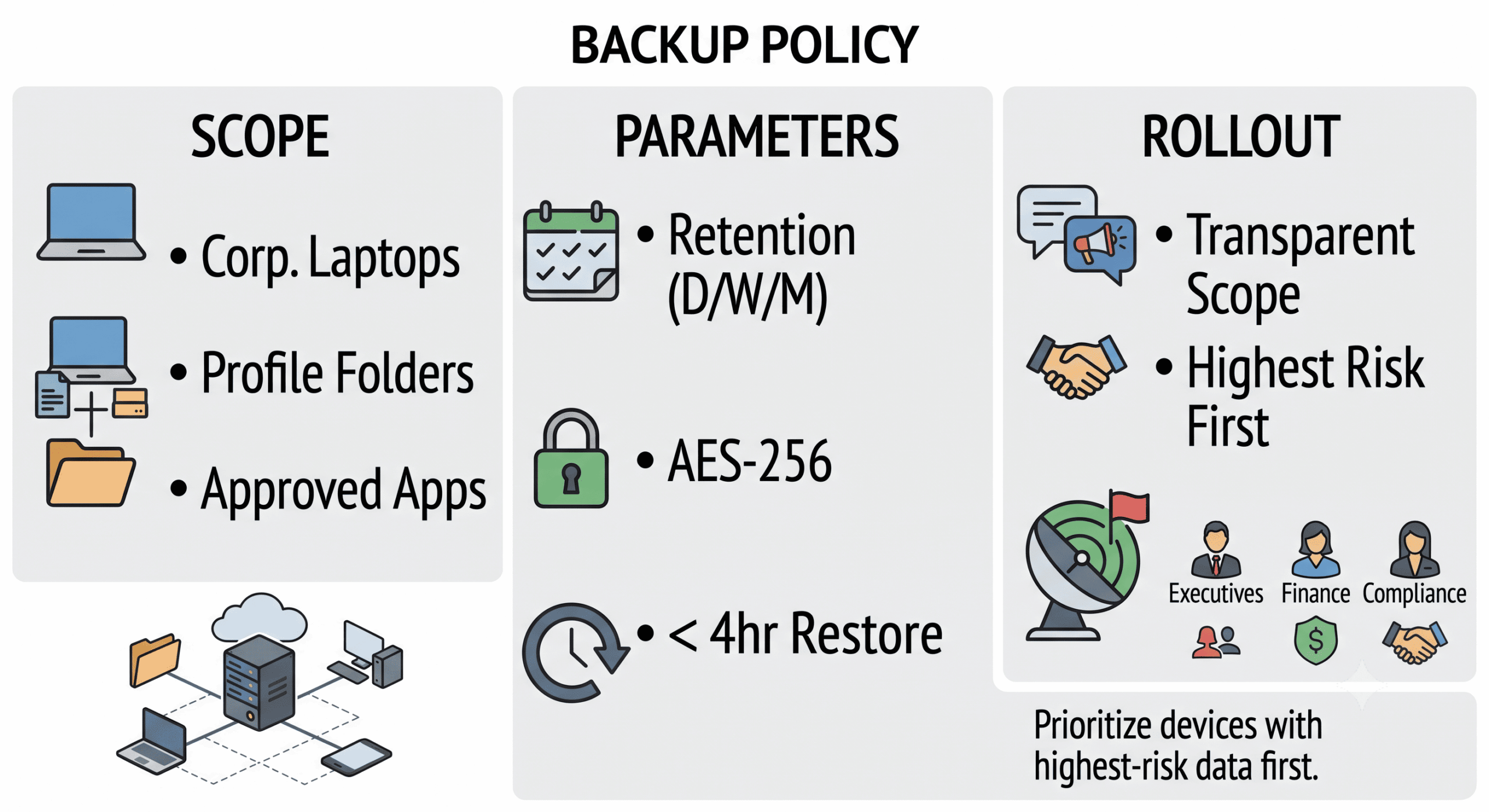
Two implementation notes from practice: tell employees the backup exists and what it covers (work folders, not personal files) — transparency prevents the surveillance perception; and start the rollout with the highest-risk endpoints, typically executives and finance/compliance staff, whose devices carry the most sensitive data and travel the most.
Conclusion
Hybrid work quietly rebuilt your data estate around hundreds of mobile endpoints, and most backup strategies never caught up: the servers are covered, the SaaS tenant is covered, and the laptop carrying this quarter's unsynced deal documents is one theft away from being a GDPR incident. Closing the gap is well-understood engineering — silent continuous agents, encrypted EU-hosted immutable snapshots, tested self-service recovery — governed by a policy that fits on a page. If you'd like to pilot endpoint coverage starting with your most exposed users, we're glad to help you scope it.
Frequently Asked Questions
Does Microsoft 365 backup cover data on laptops?
No. Microsoft 365 backup protects data that has synchronized to the cloud — mailboxes, OneDrive, SharePoint, Teams. Anything saved only locally on the device (desktop drafts, offline work, local application files) is invisible to it, as is any data stuck behind a paused or failed sync client. Complete coverage requires both layers: SaaS backup for cloud data and endpoint backup for device-resident data.
How does endpoint backup work for employees who travel or work offline?
Modern agents back up incrementally and continuously while the device is online, and queue changes locally — compressed and encrypted on disk — when it isn't. Once connectivity returns, queued snapshots upload automatically, with bandwidth throttling that adapts to network quality so hotel Wi-Fi and mobile hotspots aren't overwhelmed. A traveler working offline for days resumes full backup continuity at the next connection without any manual action.
What happens to the backup when a laptop is stolen?
The backup archive is unaffected: snapshots live in encrypted, EU-hosted storage independent of the device. IT can flag the stolen device to block its access to the archive and revoke its keys, while the user restores files to replacement hardware through a self-service portal — typically within hours. Because data was encrypted on the device before transmission and the local disk should be full-disk encrypted, the theft becomes a hardware loss rather than a data breach.