
GDPR Doesn't Grade on a Curve: Data Protection for Schools and Non-Profits
Student files and donor records carry enterprise-level obligations — here is how to meet them with one administrator and a modest budget.
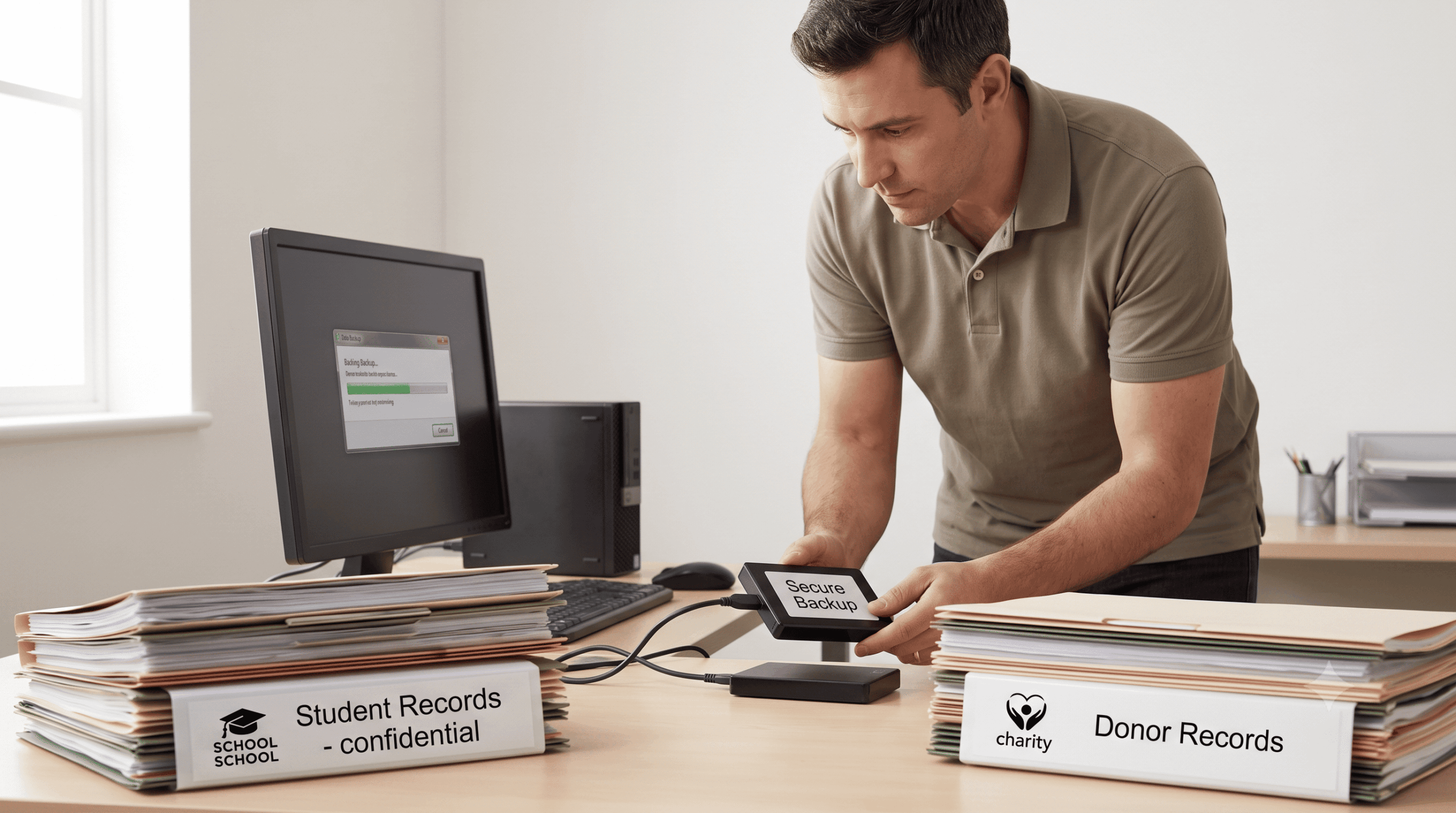
A primary school's Google Workspace tenant holds everything: student records, safeguarding files, individual education plans, years of parent correspondence. The IT department is one person, who also manages the Wi-Fi, the digiboards, and the printer queue. When the school board asks — prompted by their insurer — "can we prove our student data is recoverable after a ransomware attack?", the honest answer is no. Not because anyone was negligent, but because nobody was ever given the time or budget to make the answer yes.
This is the standard situation across schools, charities, and small public-interest organizations: highly sensitive data, full GDPR accountability, and resources a fraction of what enterprises spend. Regulators, funders, and insurers apply the same tests regardless.
The misconception to let go of: small organizations get informal leniency. GDPR applies by data, not by headcount — a school processing children's data arguably faces higher scrutiny than a mid-sized firm processing invoices. The good news: audit-ready protection at small-organization scale is achievable, if you prioritize ruthlessly and automate the evidence.
Which Data Must Schools and Non-Profits Protect First?
Not all data carries equal weight, and small budgets make prioritization the core skill. Rank datasets by regulatory and reputational impact, then protect from the top down.
The Priority Hierarchy
For schools: safeguarding incident files, student health information, individual education plans, student personal records and results, then attendance and correspondence. For non-profits: beneficiary case files (often sensitive by nature), donor payment details and contribution history, volunteer and staff records, then operational documents. Retention obligations vary — student records often must be kept years past graduation, financial records typically seven years — so document a simple schedule per category rather than deciding case by case.
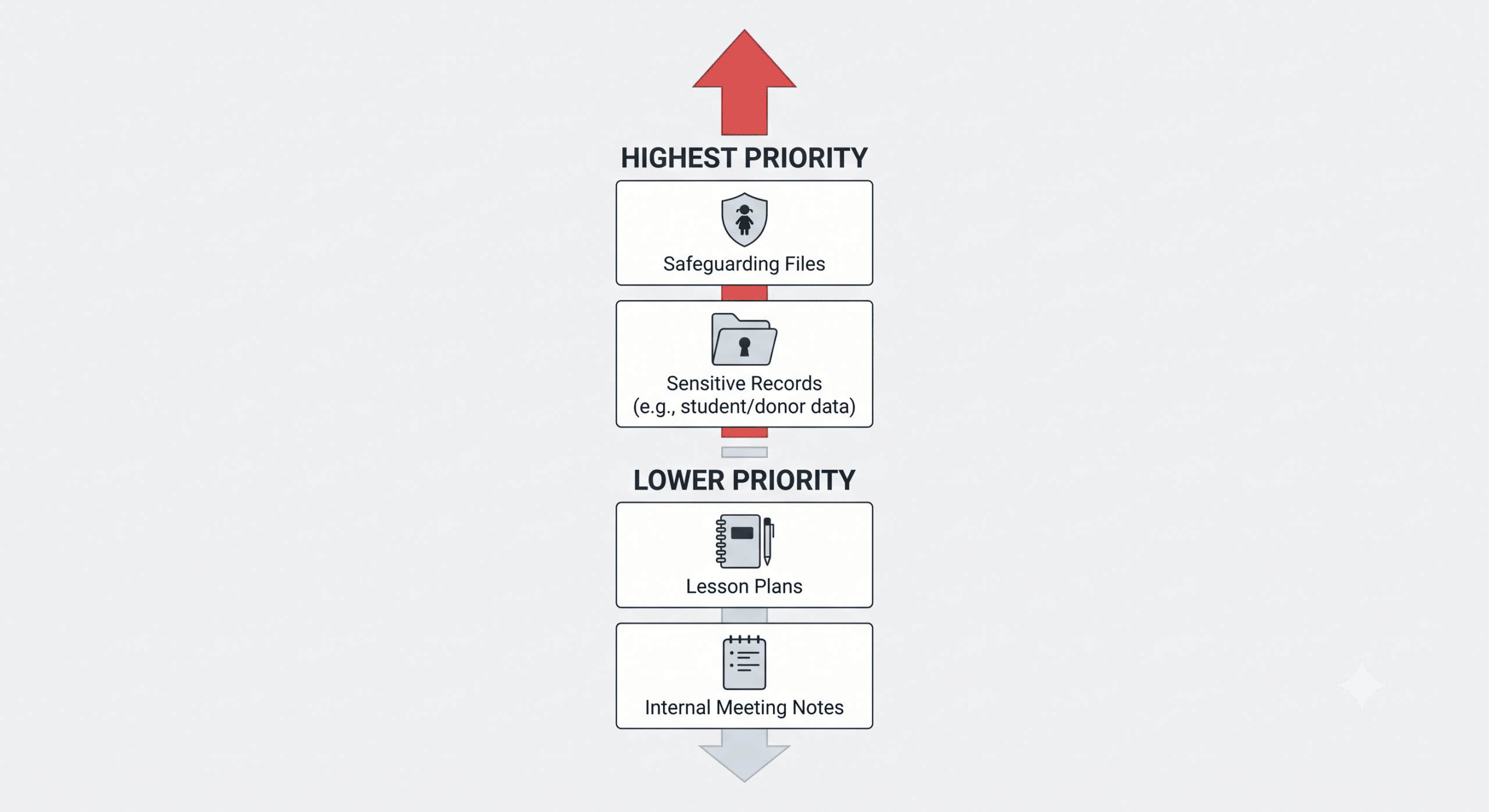
Draft lesson plans and internal meeting notes can wait. The safeguarding file cannot.
Doesn't Google or Microsoft Already Protect This Data?
No — and both say so explicitly. Google Workspace for Education and Microsoft 365 Education operate under shared responsibility models: the provider guarantees platform availability, while the customer remains responsible for protecting their own content. Native tools cover accidents narrowly — trash and recycle bins for a few weeks, version history for overwrites — but offer no defense against emptied trash, deleted accounts after a student or employee leaves, admin-level mistakes, or ransomware scripts that purge recovery options before encrypting.
The practical test is simple: could you restore a specific student's complete file from two years ago, for a legal review or accreditation audit? With native tools alone, the answer is no. And "we assumed the platform handled it" satisfies neither GDPR's accountability principle nor the EU's data protection framework generally.
What Happens When It Goes Wrong
The education and non-profit sectors are attractive targets precisely because defenses are thin: ENISA's threat landscape analysis consistently ranks ransomware among the dominant EU threats, and attackers know that organizations holding children's data or donor trust are under maximum pressure to resolve incidents quickly.
The consequences hit small organizations disproportionately. A GDPR investigation following unrecoverable data loss consumes staff time these organizations don't have, and sanctions — while scaled — are real. Funders and accreditors increasingly require data continuity evidence in due diligence; a failed audit can cost a grant that dwarfs any IT budget. Insurers now routinely condition cyber coverage on proof of offsite, immutable backups. And the mission cost is the largest: a charity that loses beneficiary case files, or a school that loses safeguarding records, has failed the people it exists to serve.
An Affordable, Audit-Ready Setup: A Five-Step Plan
Inventory in an afternoon. List where sensitive data lives — Workspace/M365 tenant, donor CRM, local files — and tag each location with its priority tier and retention requirement. Two pages is enough.
Deploy automated backup for the top tier. Cover the tenant with a purpose-built Google Workspace backup or Microsoft 365 backup: daily snapshots, retention matched to your documented schedule, no appliance to maintain.
Insist on immutability and EU storage. Copies must be tamper-proof (WORM) and stored in EU data centers — the two properties that answer both the ransomware scenario and the data sovereignty question in one stroke.
Name two administrators and write the one-page policy. "We back up all tenant data daily to Netherlands-based immutable storage, retain per the attached schedule, test restores quarterly; responsible: [names]." That page plus system reports is your audit file.
Test one restore per quarter. Recover a mailbox or folder, note the date and duration, save the report the console generates. Fifteen minutes, four times a year — and the difference between claiming protection and proving it.
Native Tools vs. Independent Backup: The Small-Organization View
| Scenario | Native Workspace/M365 tools | Independent EU backup |
|---|---|---|
| File deleted, noticed after 2 months | Gone | Restorable |
| Departed staff/student account removed | Data gone after grace period | Retained per policy |
| Ransomware empties trash, then encrypts | No recovery path | Clean immutable snapshot |
| Auditor asks for restore evidence | Nothing to show | Quarterly test reports |
| Monthly cost | "Free" until the incident | Predictable, education/non-profit pricing |
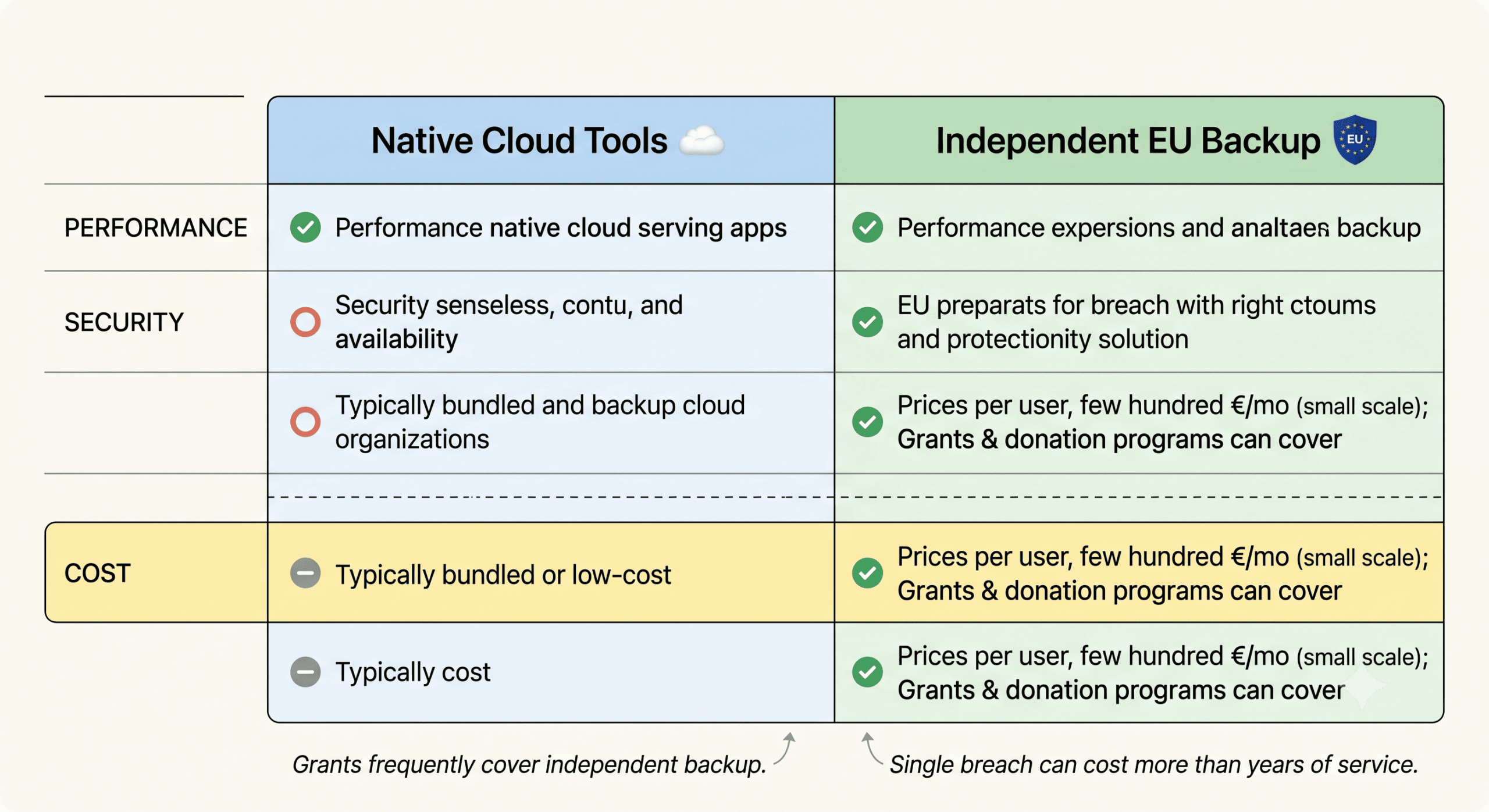
The cost row deserves honesty in both directions: independent backup is not free, but it prices per user at small-organization scale — typically a few hundred euros per month for a small school — and technology-donation programs and digital-resilience grants frequently cover it. One data breach notification exercise costs more.
Conclusion
Schools and non-profits hold some of the most sensitive data in society and get no regulatory discount for holding it on a small budget. The workable answer isn't enterprise infrastructure — it's ruthless prioritization plus automation: protect the safeguarding files, student records, and donor data first, with immutable EU-hosted backups that document themselves, governed by a policy that fits on one page. That combination passes audits, satisfies insurers, and — more to the point — means the data your mission depends on survives the bad day. If you'd like help sizing an affordable setup for your school or organization, we're glad to think along.
Frequently Asked Questions
Do small schools and charities have to comply with GDPR like large companies?
Yes. GDPR applies to any organization processing personal data of people in the EU, regardless of size or budget — and much of what schools and charities hold (children's data, health information, safeguarding records) qualifies as high-sensitivity data attracting extra scrutiny. Article 32 requires appropriate technical measures including the ability to restore availability of data after an incident, and the accountability principle requires being able to demonstrate those measures.
Is Google Workspace for Education automatically backed up?
No. Google keeps the service available and offers limited recovery windows — trash retention of about 30 days and short-term version history — but under the shared responsibility model, protecting and recovering your content is the school's responsibility. Deleted accounts, emptied trash, and ransomware that purges recovery options all fall outside native protection. Multi-year retention and provable point-in-time restores require an independent backup.
What does an audit-ready backup setup look like for a small organization?
Four elements: automated daily backups of prioritized datasets to immutable, EU-hosted storage; a short written policy naming responsible administrators and retention periods per data category; quarterly test restores with the system-generated reports saved as evidence; and an annual review. This setup runs with one or two part-time administrators and produces, as a by-product of normal operation, exactly the documentation regulators, funders, and insurers ask for.